
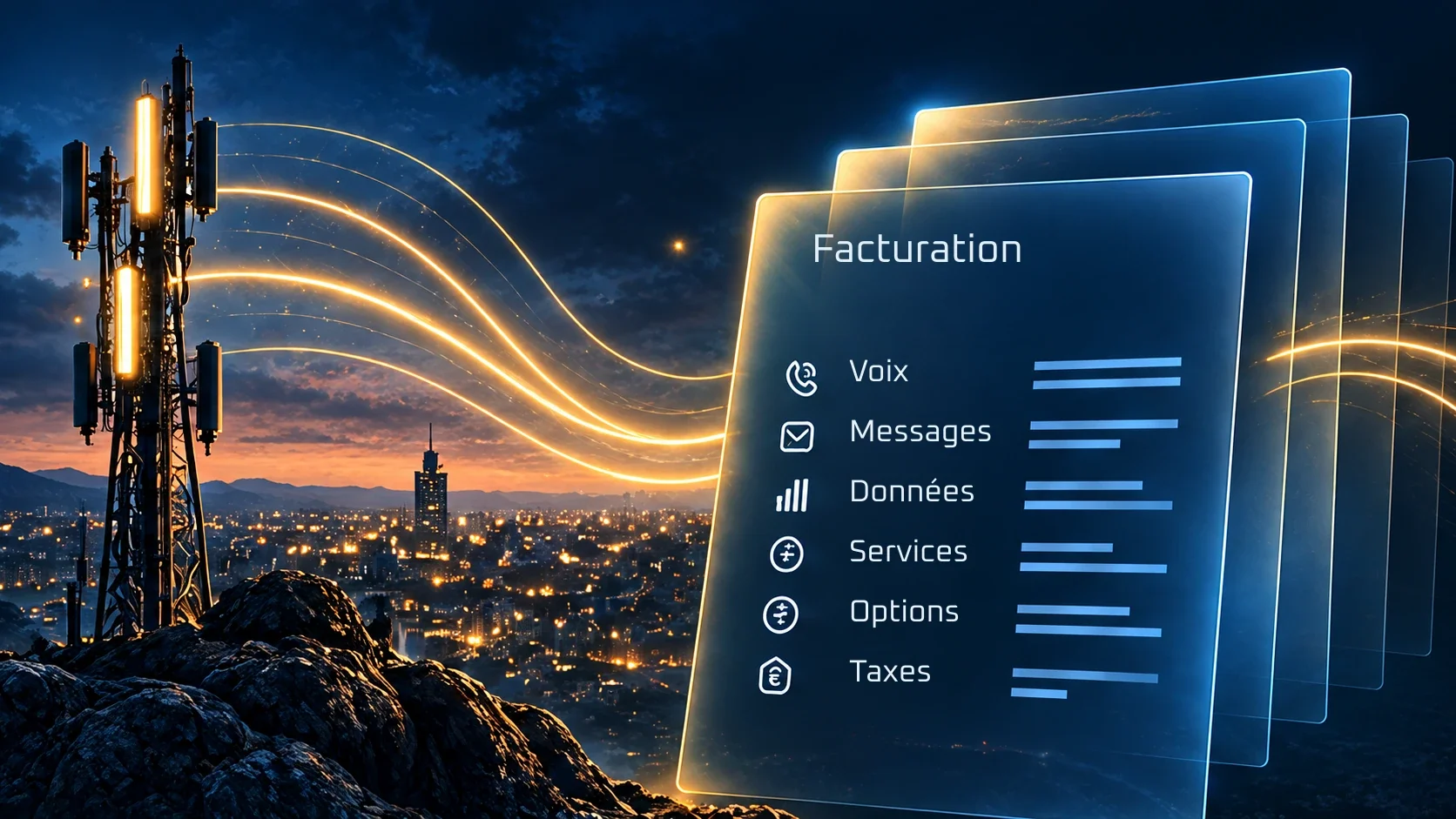
Usage and telecom billing
Turn usage into revenue you can control.
Bring usage together. Apply your pricing rules. Follow the calculation through to the invoice.
From usage to amount. Follow every step.
Connect the source, service and applied rule. At every stage, find the information that explains the amount.
- 01
Collect
Bring usage together and identify its source.
- 02
Normalise
Align formats, units and periods.
- 03
Rate
Apply the pricing rule for the relevant service.
- 04
Check
Identify discrepancies before approving invoice issuance.
COLLECTION AND NORMALISATION
Different sources. One consistent view.
Received and normalised data describe the same usage. The conversion stays explicit so the calculation can be traced.
Voice · SMS · Data · Fixed · SIP · IoT
Example convention: 1 GB = 1,000 MB. Source units and the conversion rule remain explicit.
Example convention: 1 GB = 1,000 MB. Provider units and conversion rules stay explicit.
Illustrative walkthrough
Follow an operation from end to end.
Choose a model and explore each step: the rules and result stay in view.
Fictional amounts, excluding tax — not Billguard pricing.
03 / 06
An amount you can explain.
Volume in gigabytes, from 0 to 100 GB. Adjust the volume: calculations and the invoice update.
Applied rule
| Component | Calculation | Excl. tax |
|---|---|---|
| Subscription | Recurring component | €25.00 |
| Rated usage | 2.5 GB × €2.00/GB | €5.00 |
| Total | — | €30.00 |
Scroll the table horizontally if needed.
Check before issuing. Explain afterwards.
Handle an exception with its source, decision and record. After issuance, the invoice stays linked to the service and calculation details.
Before issuance
Check the service, units, rule and total.
After issuance
Retrieve the source and explain each line.
At payment
Reconcile payment with the invoice and customer account.
FACT-EX-001 · EXAMPLE
Example customer · Service EX-001
- Subscription
- €25.00
- Rated usage · 2.5 GB
- €5.00
- Total excl. VAT
- €30.00
Fictional educational example. This is not a Billguard price.
An issued invoice is not a payment. The service keeps its own status.
Your business changes. Amounts remain explainable.
Period changes, usage received later and corrections stay tied to the relevant rules and documents.
Prorating
An explicit service period and rule explain the adjustment.
Late usage
Trace the source and period of usage before deciding where it belongs.
Credit notes and corrections
Link the correction to the original document and retain its reason.
YOUR QUESTIONS
Your billing questions
Which telecom services can be billed?
This page illustrates subscriptions, usage and hybrid offers. The catalogue, units and pricing rules are defined around the services you sell.
Can an invoice be checked before issuance?
Yes. The workflow connects sources, rules and checks before invoice issuance is approved. Exceptions and decisions remain explicit.
How can a disputed amount be explained?
By tracing the service, usage source, unit, applied rule and calculation behind the line. A credit note or correction remains linked to the relevant document.

LET’S TALK